

Core Concepts
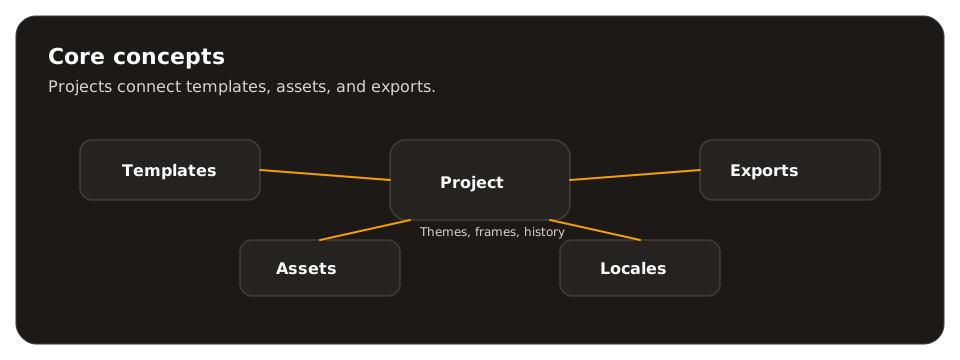
Spectra projects are built from a small set of consistent concepts. Use this page as a quick glossary.
Project
Section titled “Project”A project is the workspace that contains your templates, assets, themes, locales, and exports. Example: “App Store v2 launch set”.
Template
Section titled “Template”The template defines structure and styling. It is where layout and visual rules live. Example: “3‑frame iPhone App Store layout”.
Preset
Section titled “Preset”Presets define output dimensions and categories (App Store, Social, Marketing, Print). They ensure exports match platform requirements. Example: “iPhone 6.7” screenshots”.
Frames are export regions (viewports) on the canvas. Each frame becomes one output image. Example: “Frame 1: Feature headline”.
Assets are files you upload and reuse — screenshots, logos, brand files, fonts, or data files. Example: “Dark mode screenshot set”.
Locales
Section titled “Locales”Locales are translations for text. One template, multiple languages. Example: “en”, “de”, “ja”.
Themes
Section titled “Themes”Themes are visual variants. Use them for light/dark modes or campaign styling. Example: “Light”, “Dark”, “Holiday”.
Content variables
Section titled “Content variables”Content variables are dynamic values (names, dates, versions) set at export time for personalization. Example: “{cta} = Start free trial”.
Snapshot
Section titled “Snapshot”A snapshot is a saved version of your project. Use it before major changes or to roll back. Example: “v1.2 before redesign”.