

Workbench
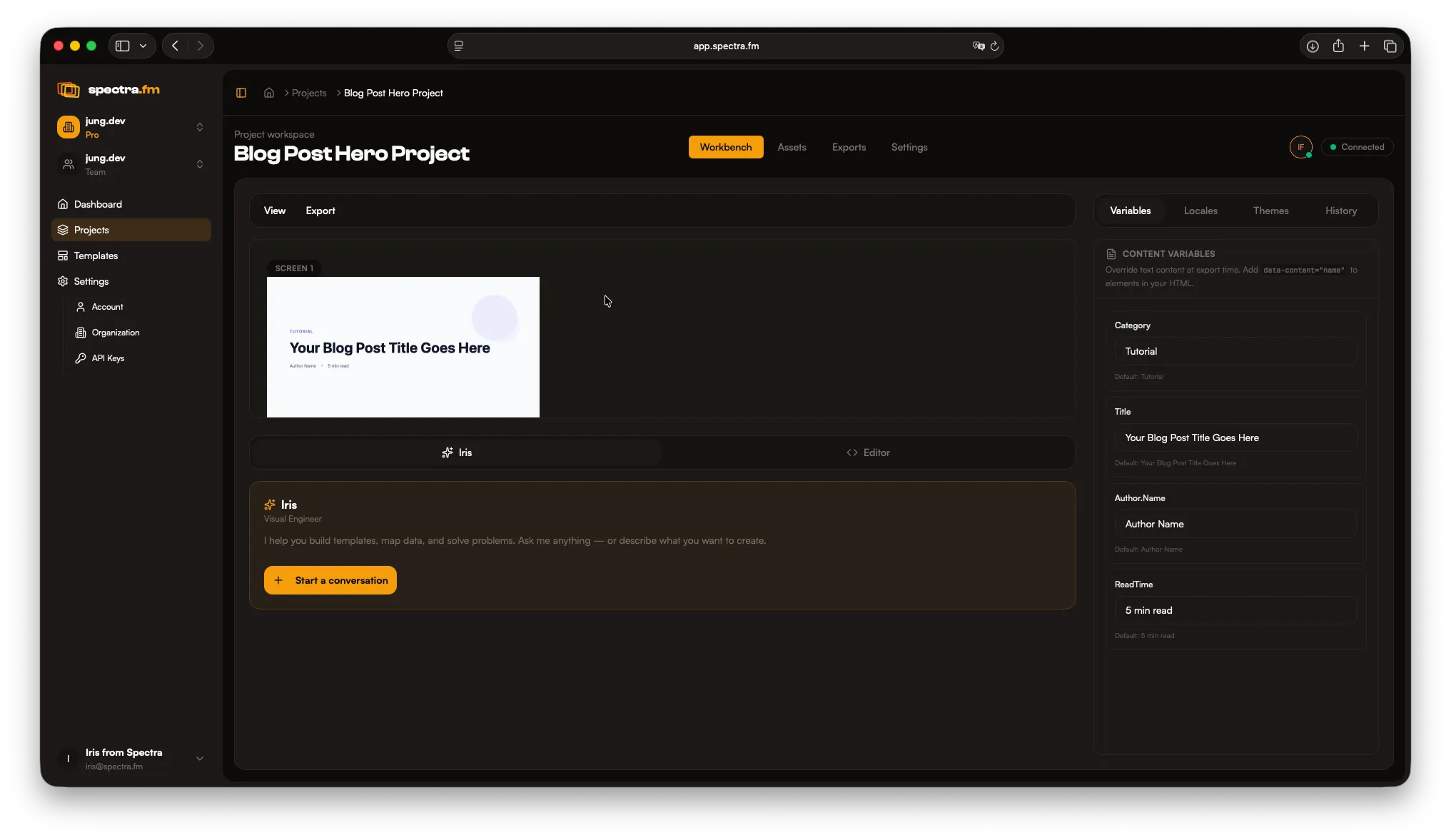
The Workbench is where layout happens and where Iris helps you iterate fast. It combines the canvas, preview modes, inspector controls, and the code editor in one focused workspace.
Canvas and frames
Section titled “Canvas and frames”The canvas is the full workspace; frames sit inside it and become your exported assets. Arrange frames, adjust spacing, and build layout structure here.
Think of frames as viewports onto the global canvas: all design work happens on the canvas, while each frame simply defines the section that gets exported.
Preview
Section titled “Preview”Preview lets you review output without exporting. Use it to sanity-check layout, typography, and content before running a full export batch.
Inspector
Section titled “Inspector”Select a frame or element to reveal its properties. The inspector is where you refine sizes, alignment, typography, and metadata like frame labels and descriptions.
For deeper detail, see:
Use Iris to apply changes across multiple frames, switch layout types, adjust spacing, and create variants. The more intent and constraints you give her, the faster the result.
Code editor
Section titled “Code editor”Open the code editor to work with the underlying template structure and logic. It is ideal for precise adjustments, reusable rules, and advanced layouts. See the Code Editor guide.