

Project Settings
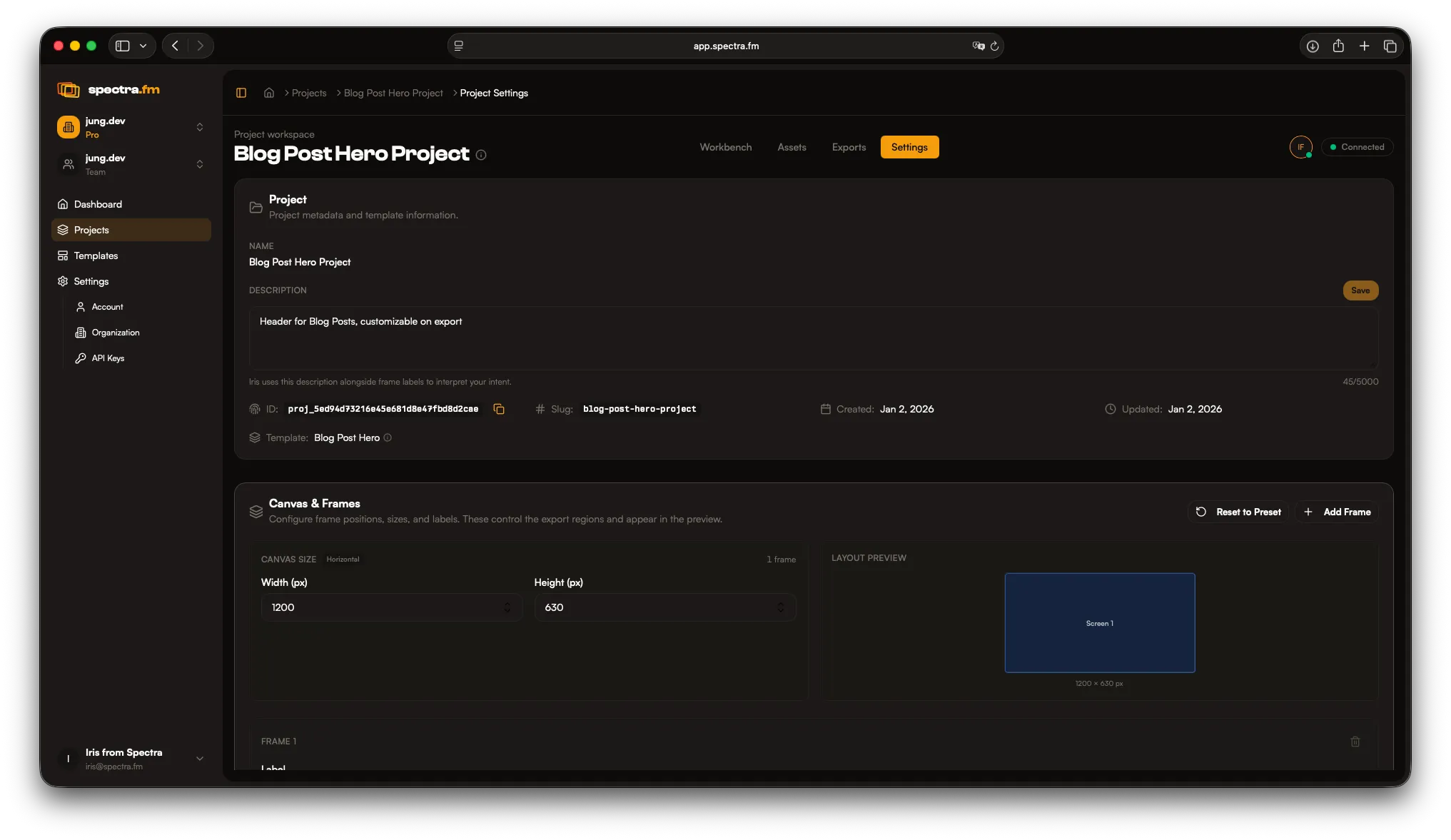
Project Settings define how your project behaves across templates, layouts, and exports. Use them to keep output consistent as you scale.
Template
Section titled “Template”The template is defined when you create the project and currently cannot be changed. You can still adjust the canvas and frames freely as needed.
Layout
Section titled “Layout”Define how frames are arranged on the canvas. Adjust spacing, alignment, and structure to match the set you are producing.
Canvas and frames
Section titled “Canvas and frames”Project Settings also includes Canvas & Frames controls. You can preview the layout, then manage the list of frames with their label, description, size, and position.
Project description
Section titled “Project description”Use the project description to add context for your team and Iris alike. Iris reads it to understand your intent and make more accurate changes.