

Content Variables
Content variables are reusable values used throughout your templates — names, headlines, prices, dates, or anything that changes per variant. They are dynamic (set at export time), not translated.
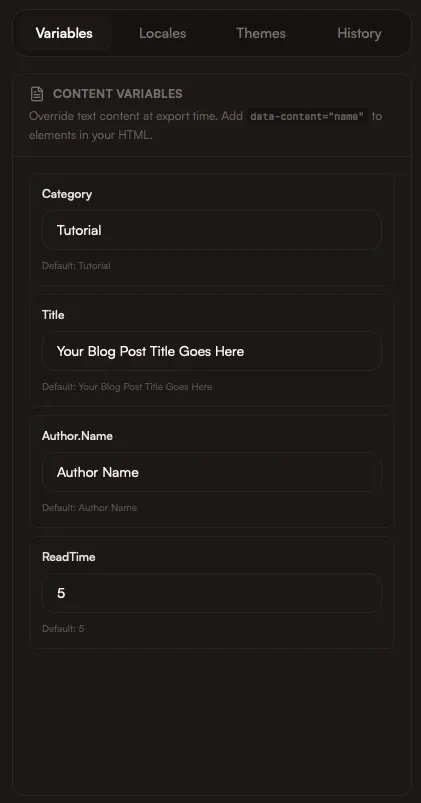
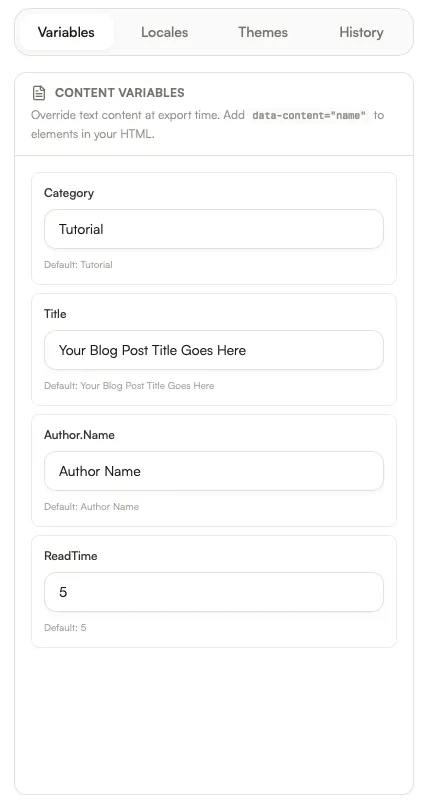
How variables work
Section titled “How variables work”Variables can be filled manually, pulled from content collections, or overridden per locale and theme. This keeps one template flexible across many outputs.
Use them for personalized outputs like certificates with attendee names, current pricing, release numbers, or event dates. A common flow: upload a participant list as an asset, then ask Iris to create personalized certificates — she can analyze the data and map fields automatically.
<h1 data-content="headline">Ship faster</h1><p data-content="subhead">Automate your App Store screenshots.</p><span data-content="cta">Start free trial</span>Best practices
Section titled “Best practices”- Keep variable names short and descriptive
- Use a consistent naming convention (e.g.,
headline,subhead,cta) - Group related variables by section or frame
How Iris helps
Section titled “How Iris helps”Ask Iris to:
- Create variables from your content
- Map CSV or JSON fields to variables
- Apply variable values across all frames