

Themes
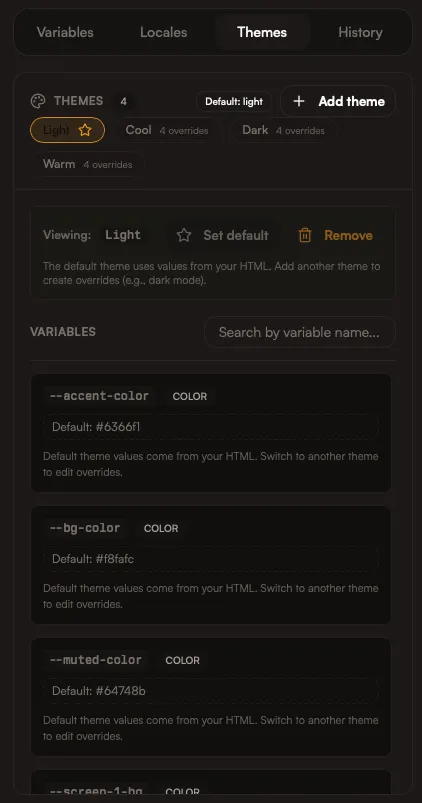
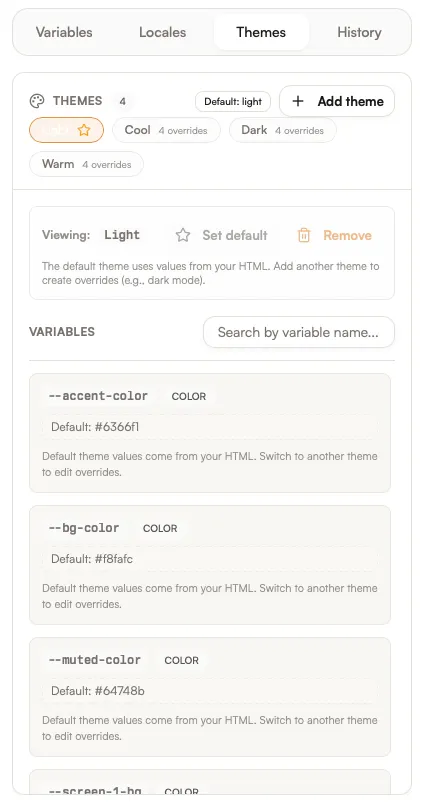
Themes are visual variants of the same template. They let you swap colors, typography, and styling without duplicating layout work. Themes are a dimension of export — you can generate any theme combined with any locale.
Common uses
Section titled “Common uses”- Light and dark modes
- Seasonal campaigns
- Region-specific palettes
How themes work
Section titled “How themes work”Each theme defines a set of CSS variable overrides. The default theme uses the base values from your HTML; alternate themes only store the overrides.
In the export flow, you get a matrix of locales × themes to choose from. Select the combinations you want to generate.
There is always one default theme, but you can add as many additional themes as you need.
:root { --bg: #ffffff; --text: #111111;}/* Dark theme overrides */:root { --bg: #0b0b0b; --text: #f5f5f5;}How Iris helps
Section titled “How Iris helps”Ask Iris to:
- Create or refine themes
- Maintain contrast and accessibility
- Align themes with brand guidelines