

Locales
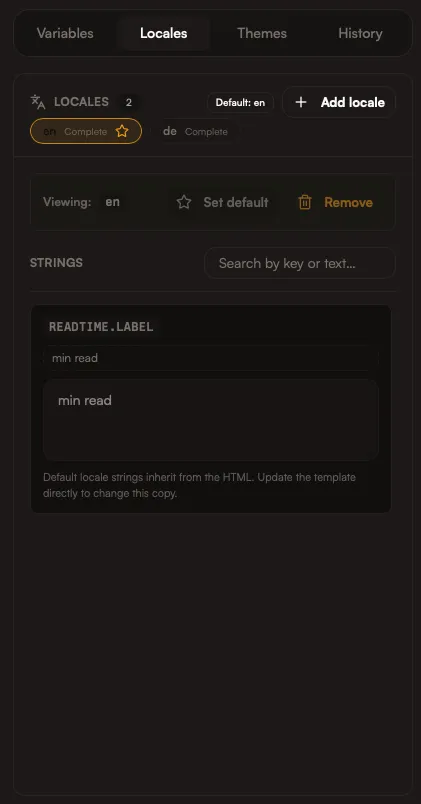
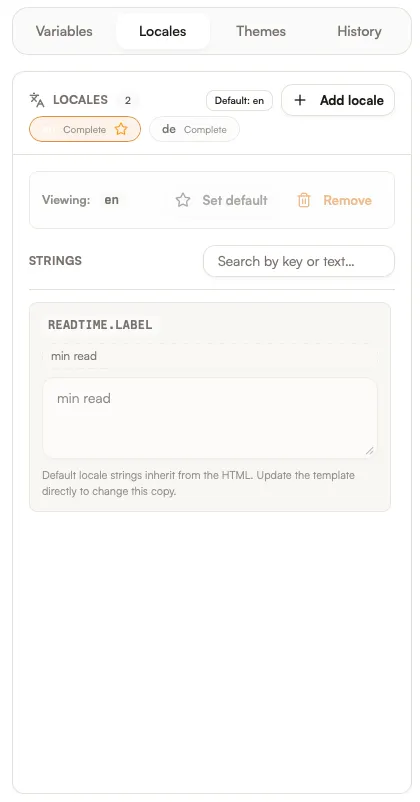
Locales manage translations. You keep one template, then export in any language without duplicating layout work. Locales are a dimension of export — you can generate any locale combined with any theme.
How locales work
Section titled “How locales work”Each locale provides translated strings keyed by data-i18n attributes. When you export, Spectra swaps in the correct values per locale.
In the export flow, you get a matrix of locales × themes to choose from. Select the combinations you want to generate.
There is always one default locale, but you can add as many additional locales as you need. A common use case is App Store Optimization across multiple languages.
<h1 data-i18n="hero.title">Ship faster</h1><p data-i18n="hero.subhead">Automate your App Store screenshots.</p>{ "de": { "hero.title": "Schneller veröffentlichen", "hero.subhead": "App-Store-Screenshots automatisch erstellen." }}Best practices
Section titled “Best practices”- Plan for text expansion (German and French often grow)
- Keep headings short where possible
- Review line breaks in each locale
How Iris helps
Section titled “How Iris helps”Ask Iris to:
- Add or adjust translations
- Localize into multiple languages while preserving tone
- Fix layout overflow for longer text