

History and Milestones
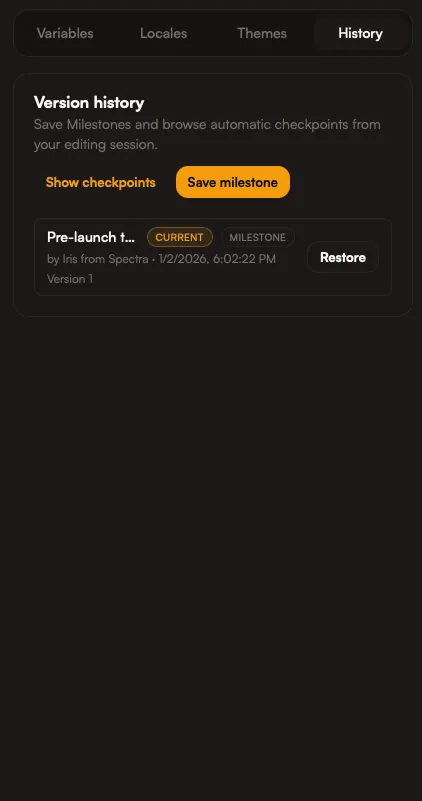
Snapshots capture a version of your project so you can return to it later. Use them as milestones when you reach a stable point or before big changes. They are your saved states.
When exporting, you can also choose which snapshot/version to use. This makes it easy to export an older, approved state even if the project has moved on.
When to create milestones
Section titled “When to create milestones”- Before major layout changes
- Before a campaign update
- Before handing off to another team
Rewind safely
Section titled “Rewind safely”Use history to roll back to a previous snapshot if something breaks or needs to be restored.
How Iris helps
Section titled “How Iris helps”Ask Iris to:
- Create a milestone before big edits
- Restore a previous version if needed