

Exports and Formats
Exports are the final output of your project. Spectra generates every frame in the right size, with the right variants.
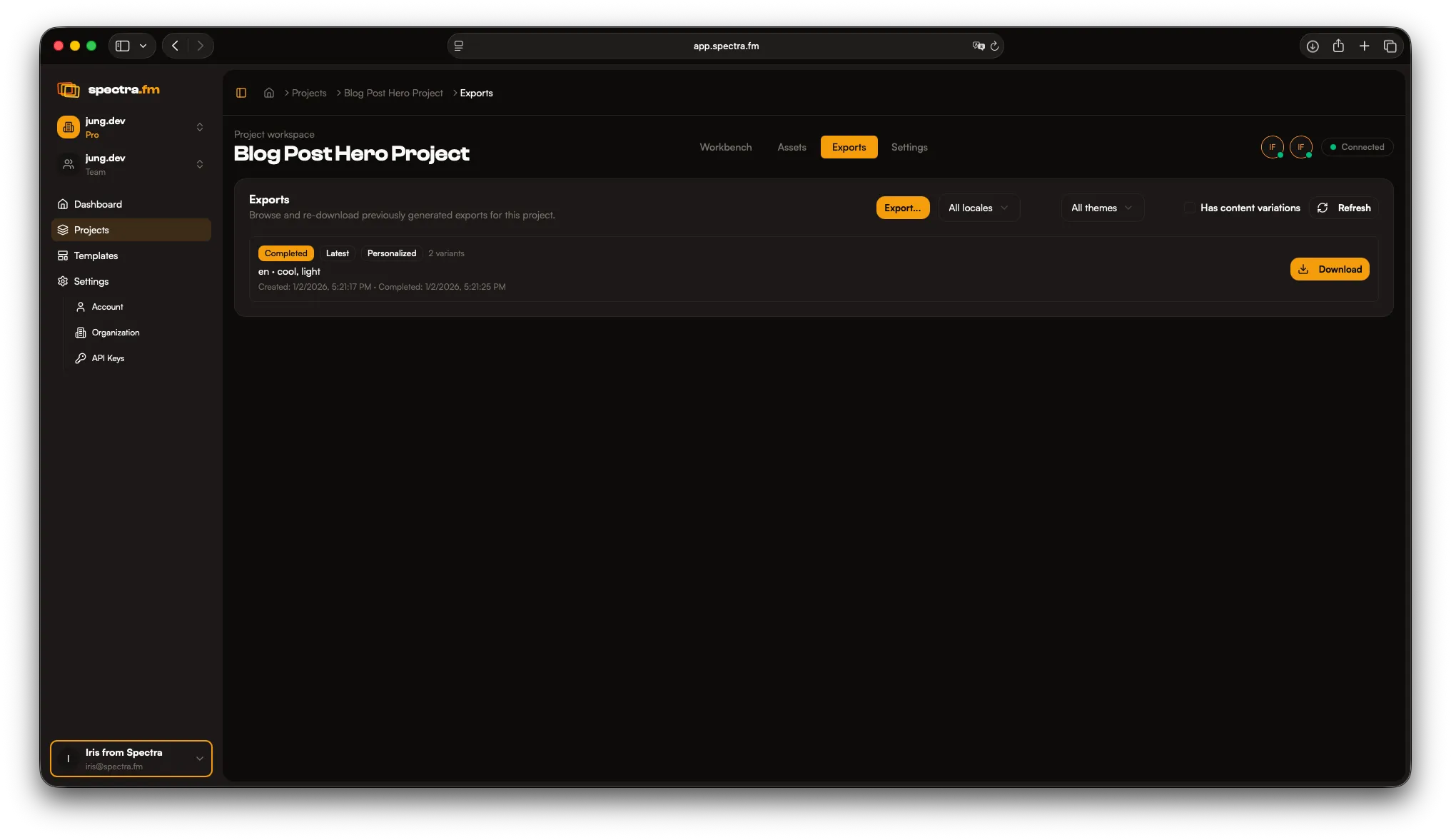
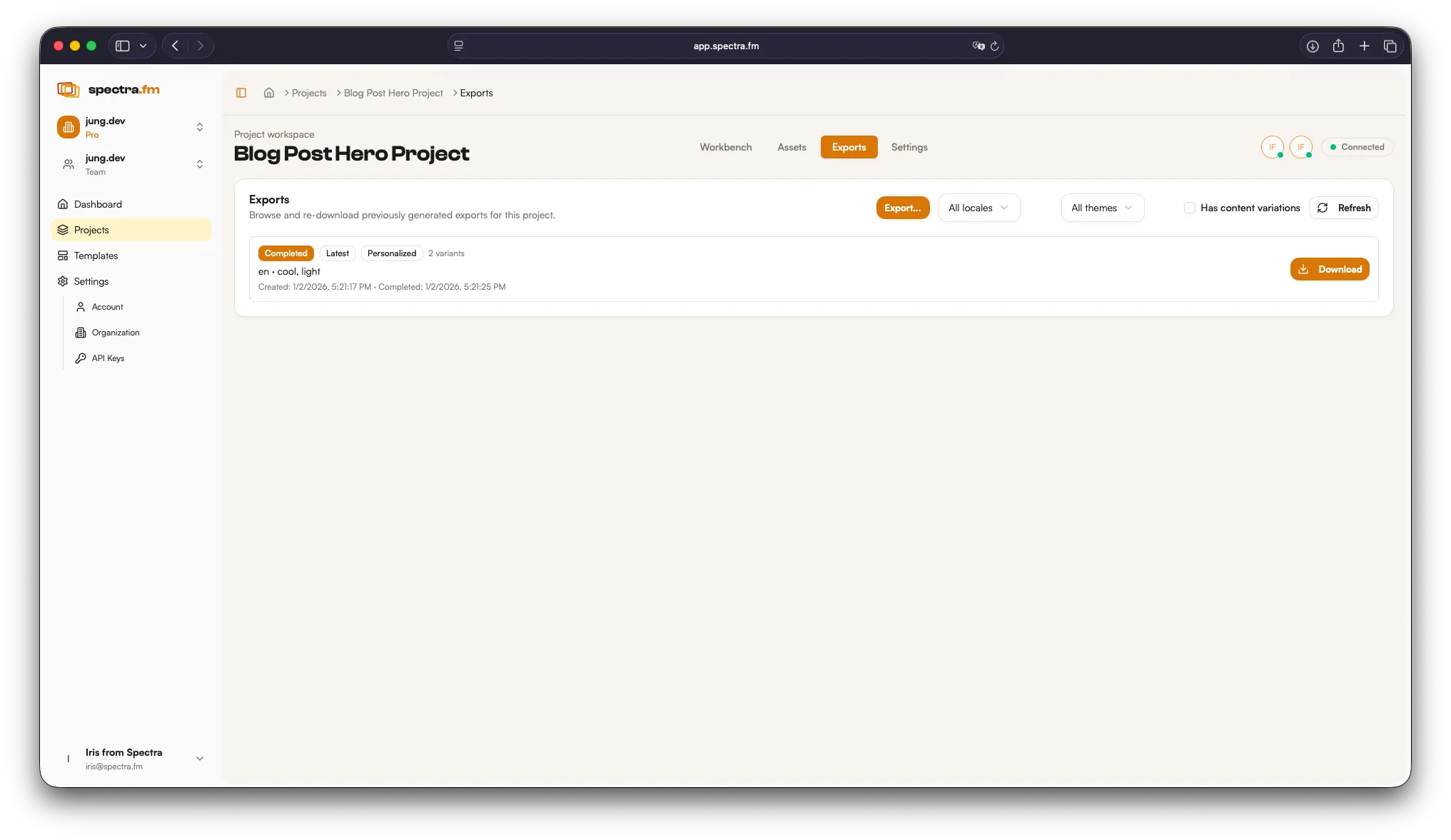
What you can export
Section titled “What you can export”- App Store screenshot sets
- Social cards and stories
- Marketing and promo assets
- Print-ready outputs
Preview vs export
Section titled “Preview vs export”Previews help you iterate quickly. Exports generate the final assets you ship.
Batch exports
Section titled “Batch exports”Export multiple locales and themes at once. You can also generate personalized variants using content variables.
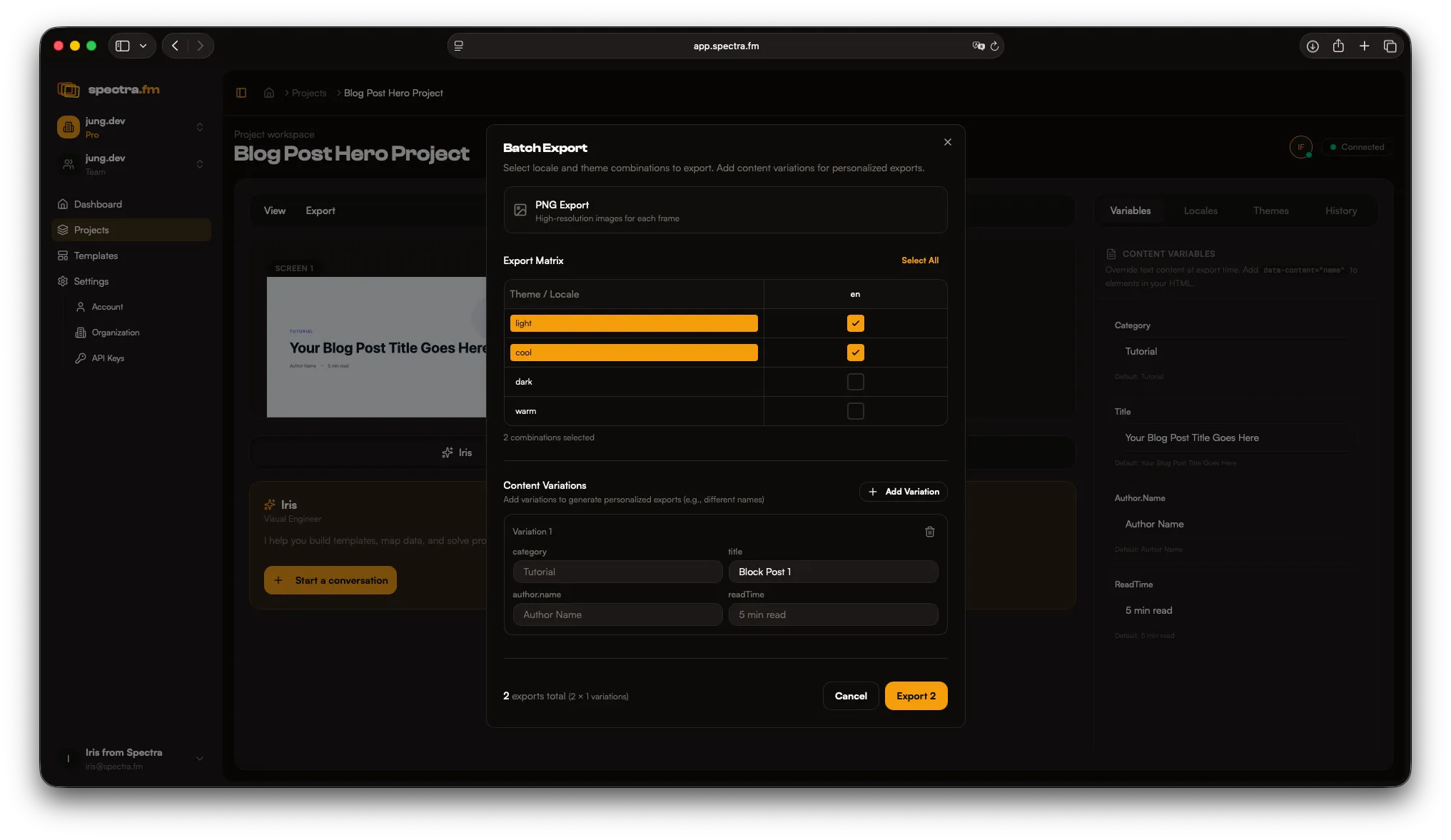
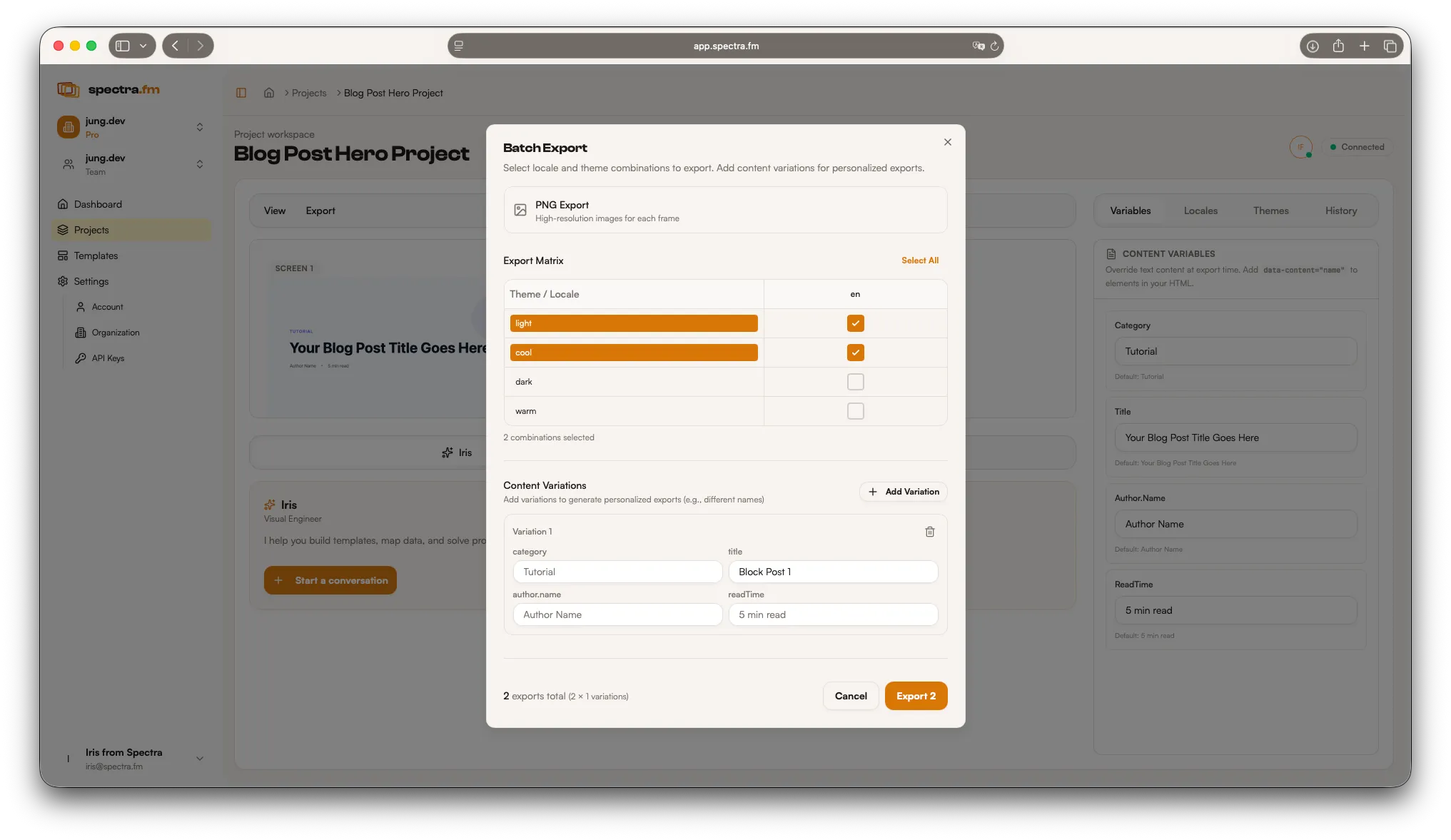
You can also choose a milestone/version to export from. The latest version is preselected, but you can switch to any saved snapshot.
Every export also includes an Export Lookbook (index.html). It gives you a visual index of all variants with quick access to the files. See Export Lookbook.
How Iris helps
Section titled “How Iris helps”Ask Iris to:
- Suggest the right export combinations
- Create a clean set for a specific release
- Trigger exports once you confirm the plan