

Assets and Libraries
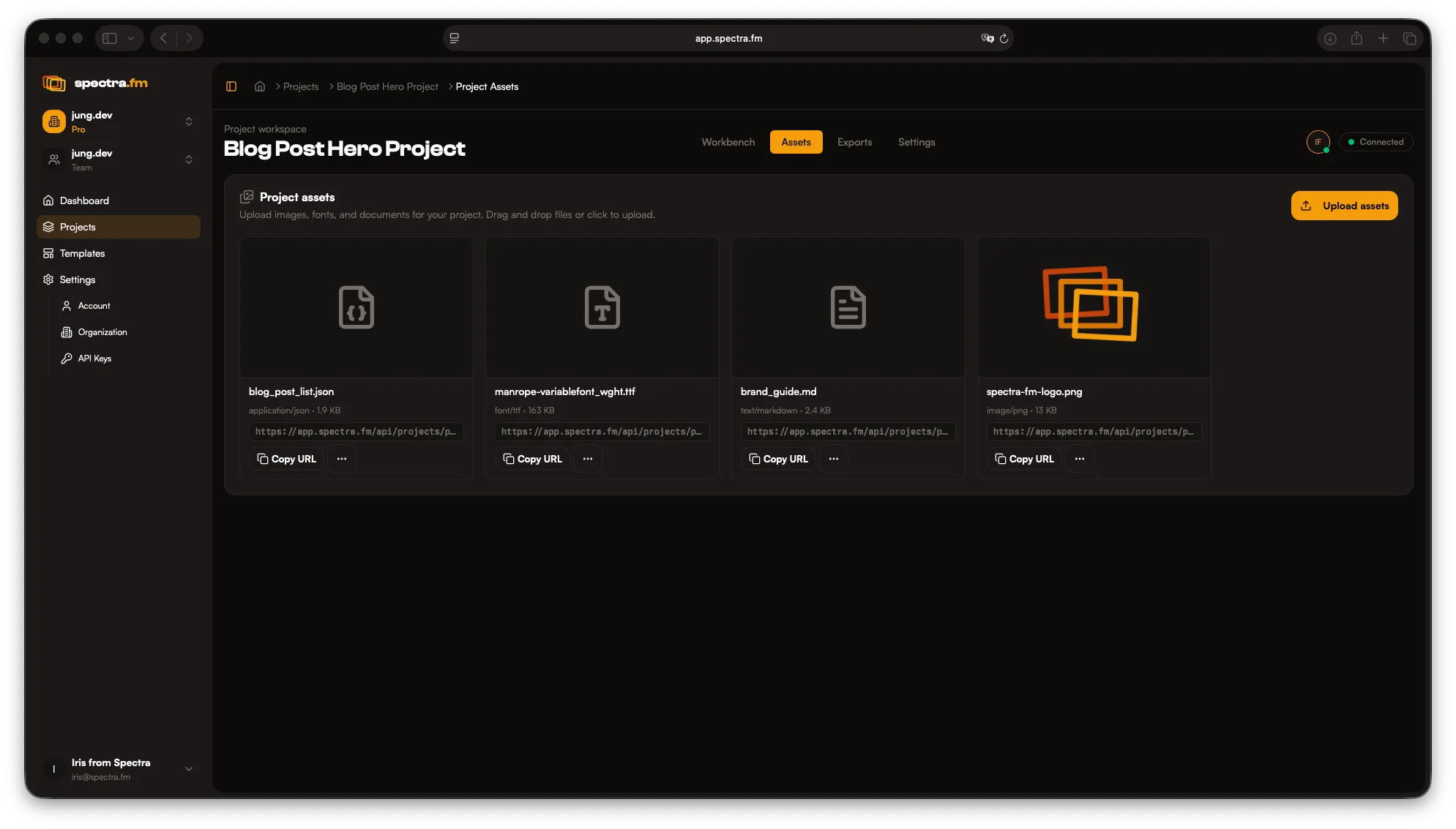
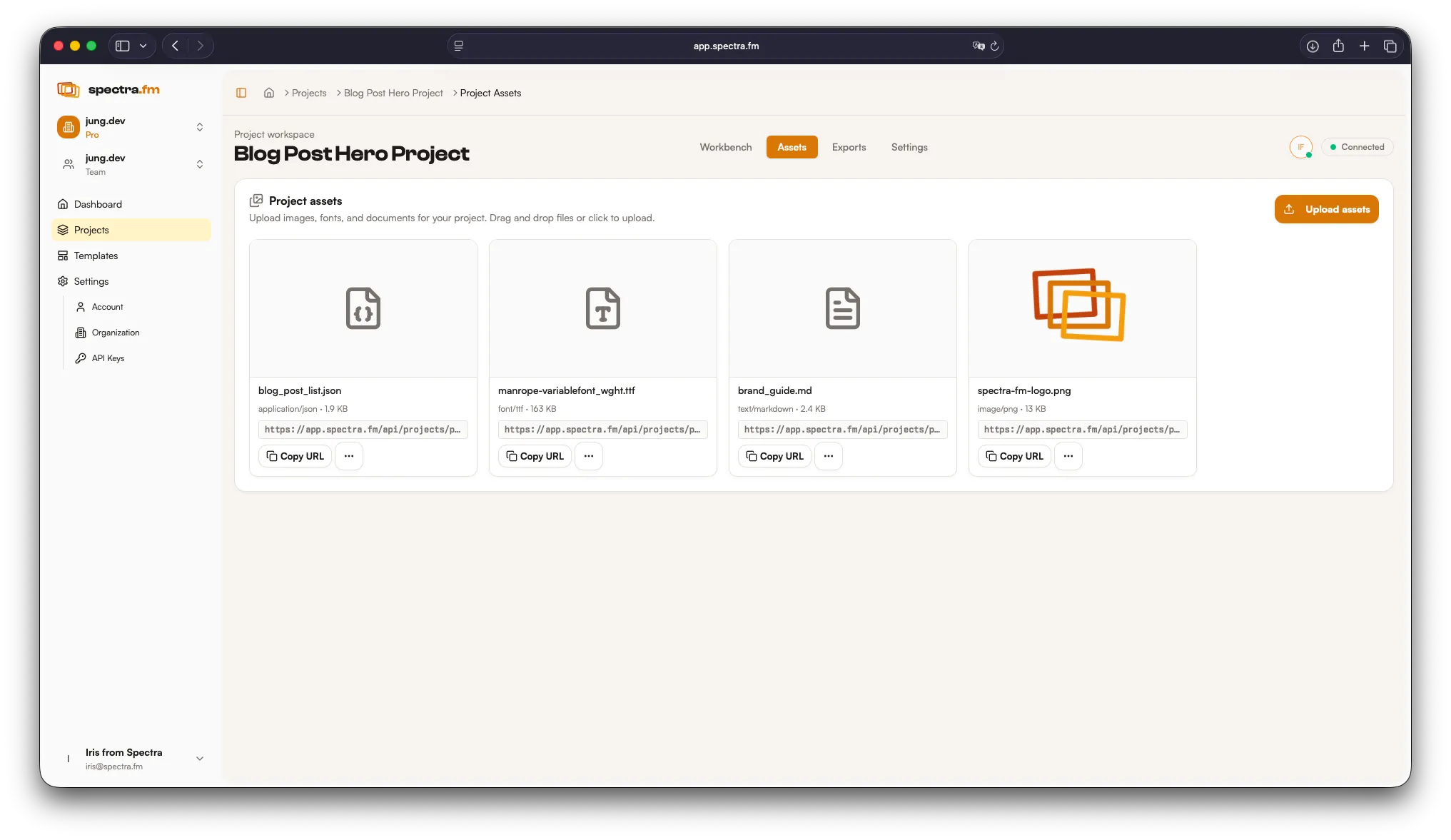
Assets are the building blocks of your templates — screenshots, logos, icons, brand references, and fonts or data files you want to reuse. Assets are project-specific and visible to everyone in the project.
Uploading assets
Section titled “Uploading assets”- Add screenshots and images once, reuse everywhere
- Replace assets without breaking layouts
- Keep naming consistent for quick selection
- Upload brand fonts so templates stay on-type
- Add CSV, TXT, or JSON files to power content collections
- Image assets show previews for quick scanning
Content collections
Section titled “Content collections”Data files (CSV, TXT, JSON) can be used as content collections for exports. Each entry becomes a set of values that can populate content variables, letting you generate multiple variants from one template.
Upload your brand fonts to make them available inside templates. This keeps typography consistent across every frame and export.
Brand / style guide
Section titled “Brand / style guide”You can define brand guidelines as freeform text. Upload a TXT, RTF, or Markdown file as an asset, then reference it when working with Iris or building templates.
Best practices
Section titled “Best practices”- Use high-resolution screenshots
- Keep transparent PNGs for logos
- Maintain consistent aspect ratios
- Store brand guidelines as reference files
- Name data fields clearly (e.g.,
headline,subhead,cta)
Working with Iris
Section titled “Working with Iris”You can ask Iris to:
- Place assets into frames
- Swap placeholders with real screenshots
- Adjust spacing and alignment after replacement
- Map content collections to variables for batch exports
- Use assets in the right spots based on your instructions
Iris already knows your project assets — just tell her how to map them to your content and she will include them for you.