

Project Workspace
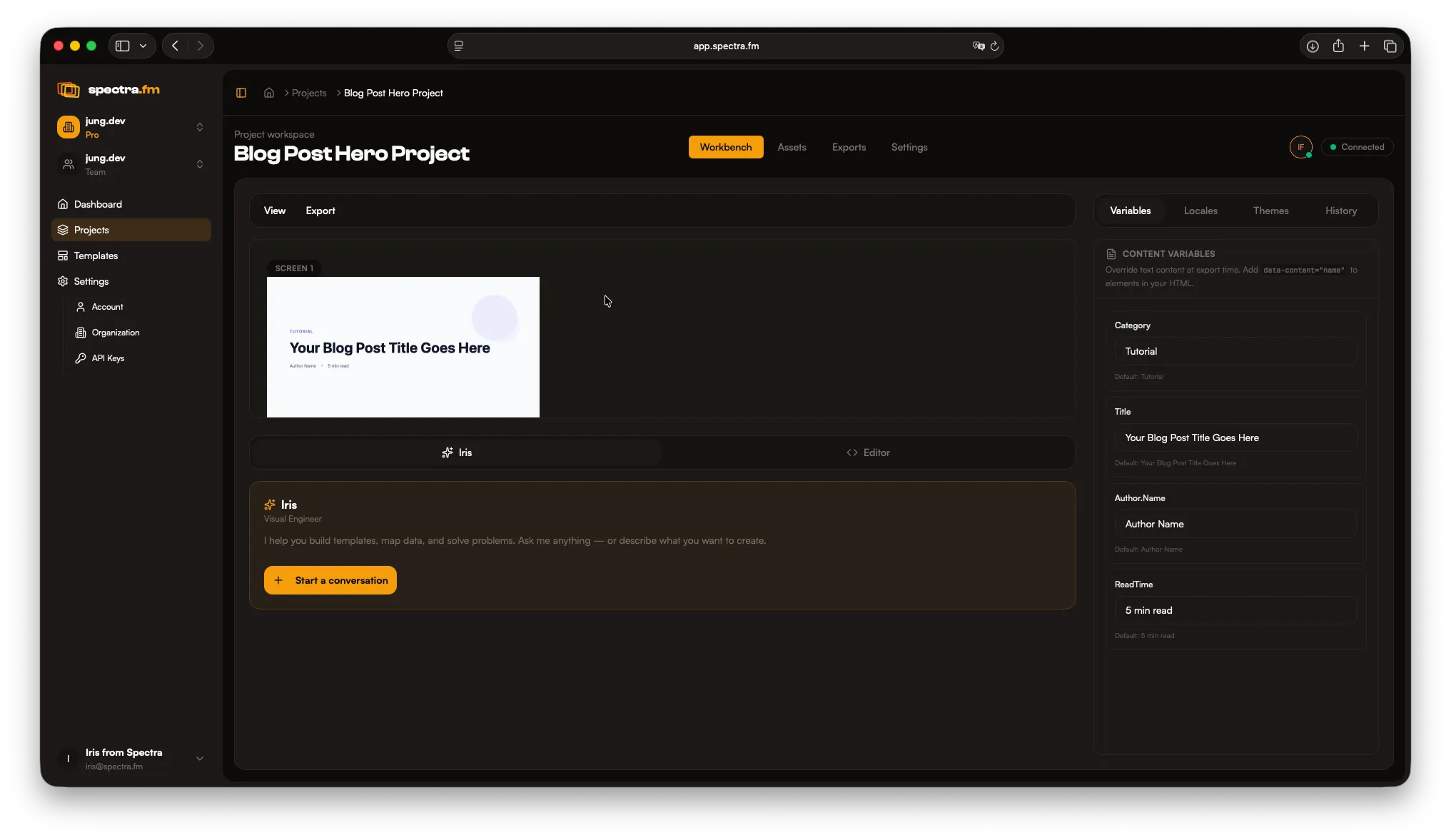
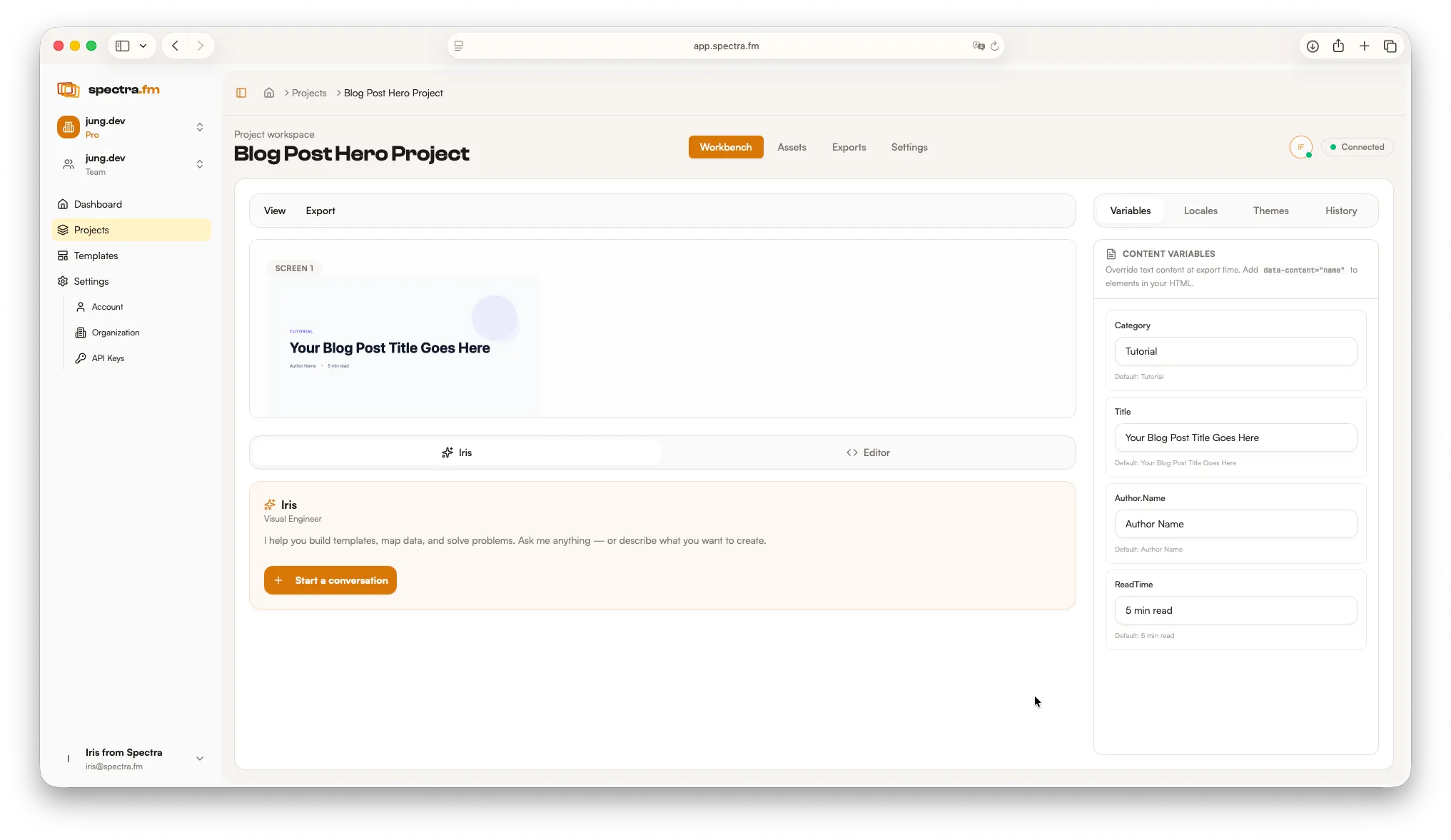
The Spectra workspace is designed to keep your layout, assets, and export flow in one place. Here is how the main sections fit together.
The four main tabs
Section titled “The four main tabs”Spectra keeps your workflow organized around four tabs. Each tab has its own guide for deeper detail.
- Workbench — layout, preview, inspector, Iris, and code. See the Workbench guide.
- Assets — your reusable library of images, fonts, and data. See Assets and Libraries.
- Export — batch exports, locales, and themes. See Exports and Formats.
- Settings — template, layout, and export defaults. See the Project Settings guide.
Top bar
Section titled “Top bar”Use the top bar to stay oriented and move between major areas.
- Project info: name, template, and overall status
- Tabs: switch between Workbench, Assets, Export, and Settings
- Primary actions: export and workflow controls