

Meet Iris
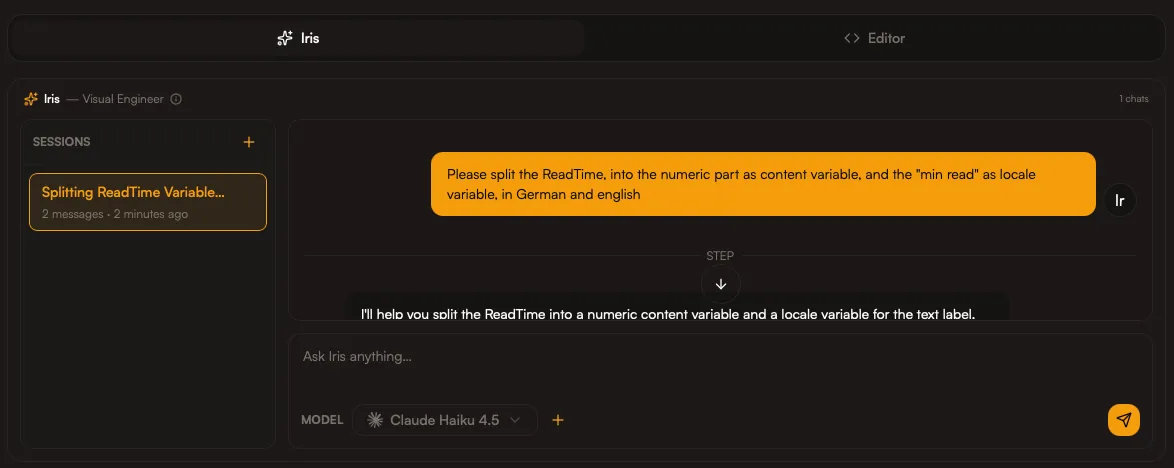
Iris is Spectra’s Visual Engineer — your fastest path from intent to export. She translates intent into structure, keeps design systems consistent, and helps you ship visuals without the manual grind.
She can build layouts, manage themes and locales, map assets and data, and prepare export plans — all from a single prompt.
The fast path
Section titled “The fast path”-
Describe the outcome
- Platform: App Store, social, marketing, or print
- Number of frames
- Tone: minimal, bold, premium, playful
-
Provide assets
- Upload screenshots, logos, or brand files
- Tell Iris which assets are primary
-
Refine and export
- Ask Iris for improvements
- Export the final set
Prompt patterns
Section titled “Prompt patterns”Structure
Section titled “Structure”“Create a [number]-frame [platform] set focused on [message].”
“Make it feel [tone]. Keep typography [style].”
Variants
Section titled “Variants”“Add a dark theme and keep contrast high.”
Localization
Section titled “Localization”“Localize to German and Japanese. Avoid line breaks in headings.”
Example prompts
Section titled “Example prompts”- “Create a 3-frame App Store set for a finance app. Clean, trustworthy, minimal.”
- “Turn this into a bold Product Hunt launch visual with a clear CTA.”
- “Use our uploaded logo and keep the background neutral.”
- “Make this template more minimal, with larger type and more whitespace.”
What Iris can do
Section titled “What Iris can do”- Edit and refactor templates
- Adjust layouts and frames
- Create themes and locales
- Manage content variables
- Prepare export plans
What to provide for best results
Section titled “What to provide for best results”- Brand tone and key message
- Screenshots and logos
- Target platforms and output sizes