

Team & Roles
How teams work
Section titled “How teams work”Teams help you group and separate work. You can create teams for different clients, products with multiple visual lines, or to match your org structure. An organization can have many teams.
To keep things simple, each user has an active team. Only projects from the active team are shown, but you can switch teams anytime from the navigation bar.
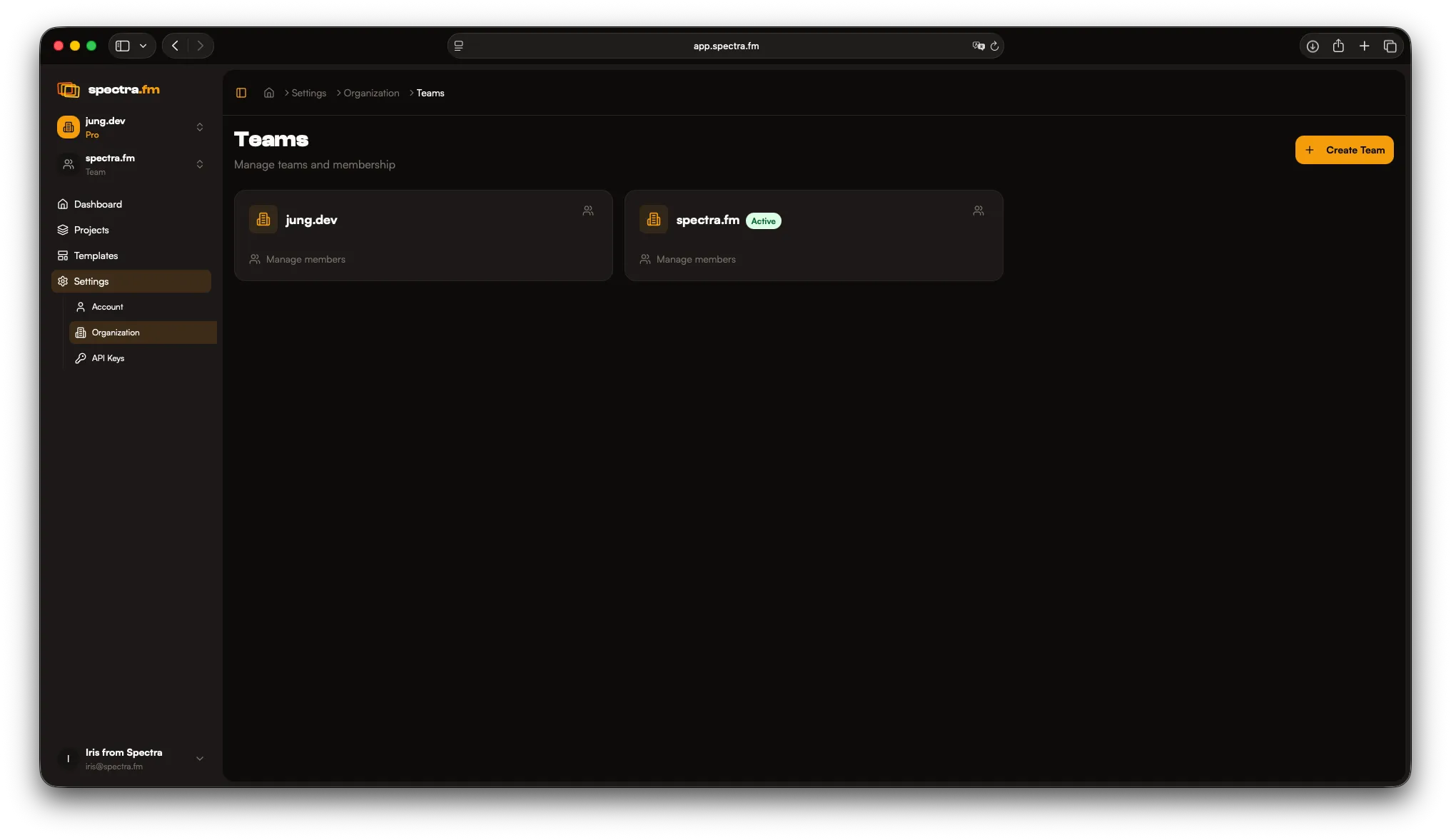
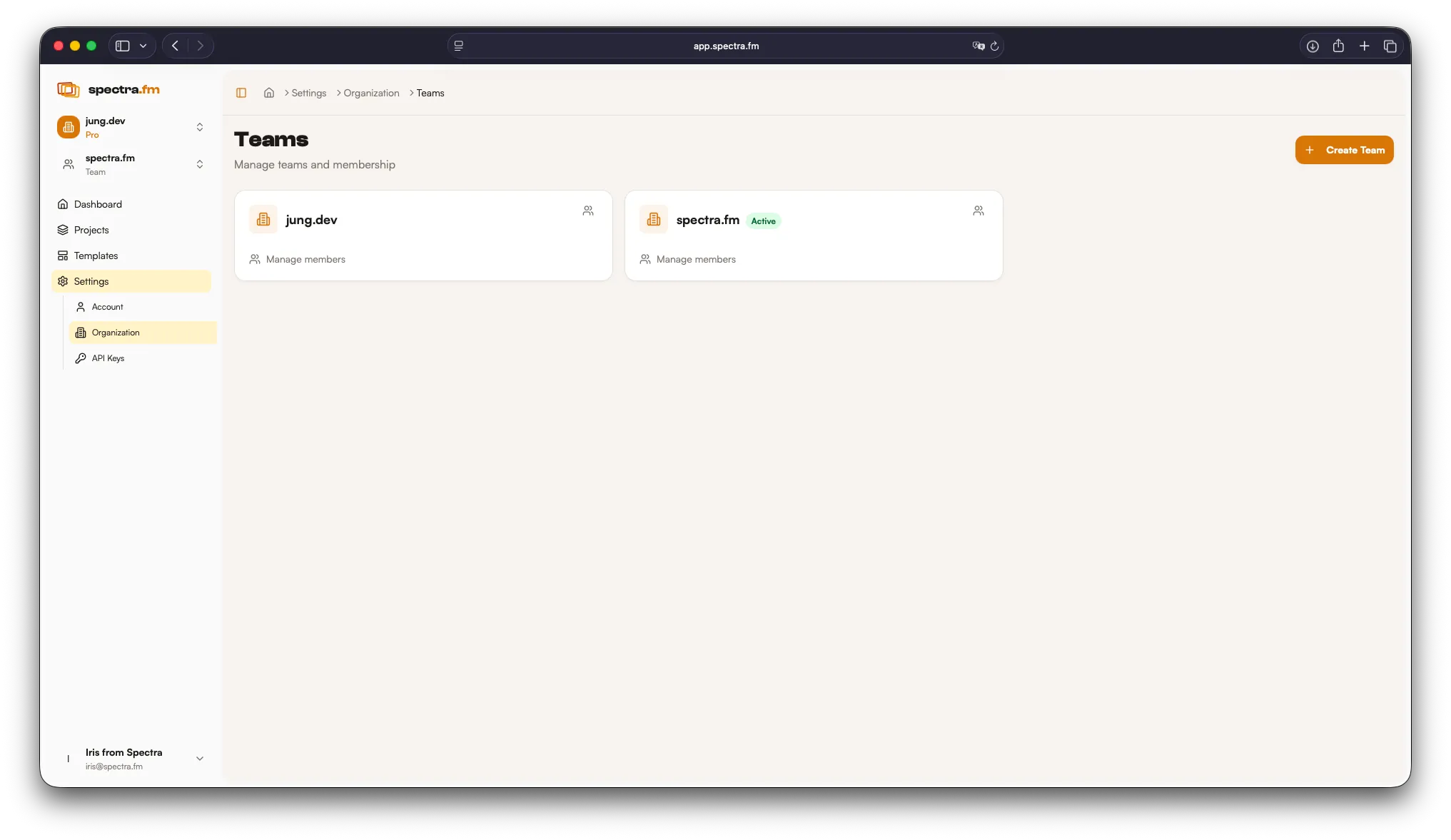
Projects are assigned to teams. If a user is a member of a team, they get access to that team’s projects.
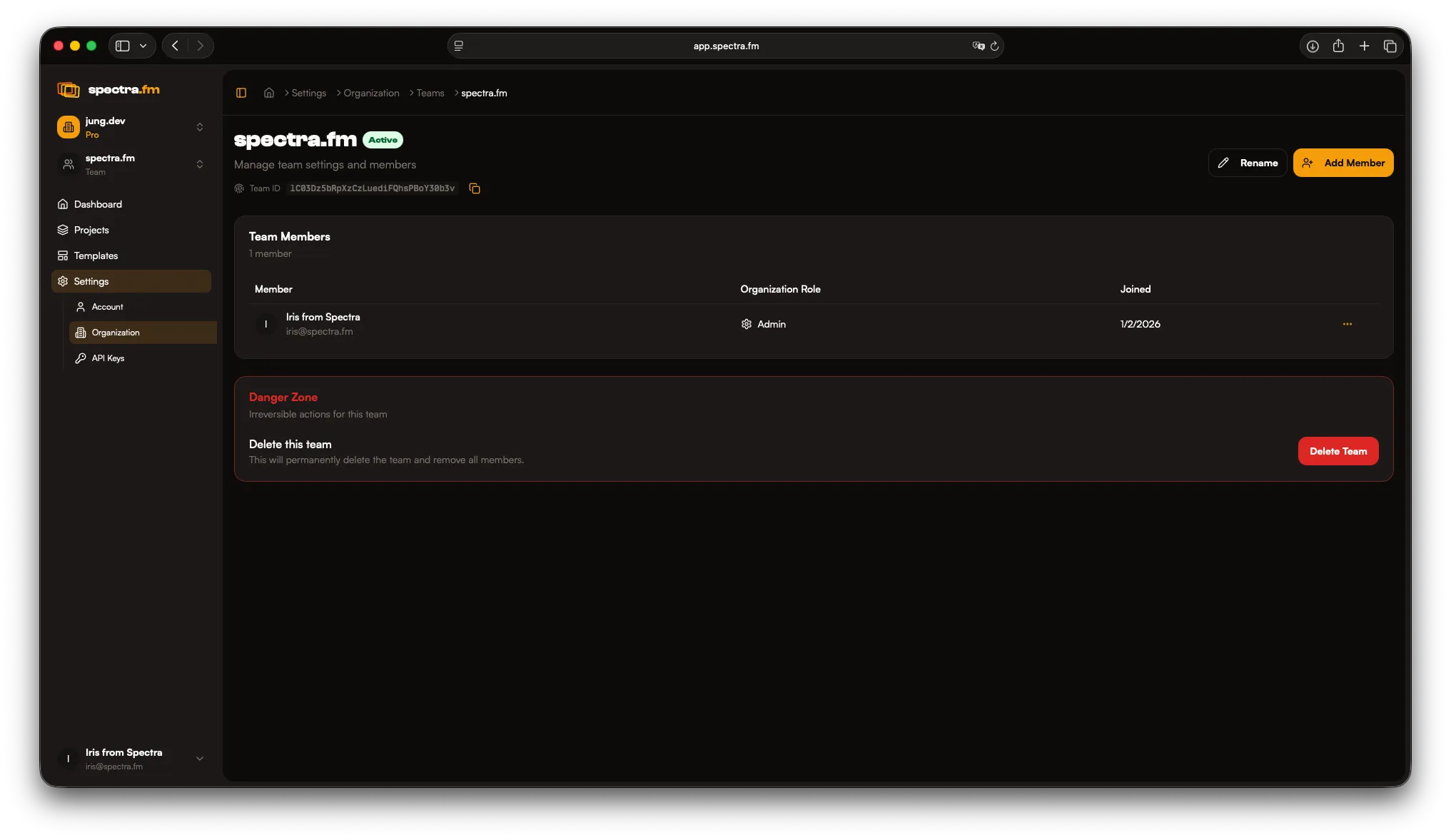
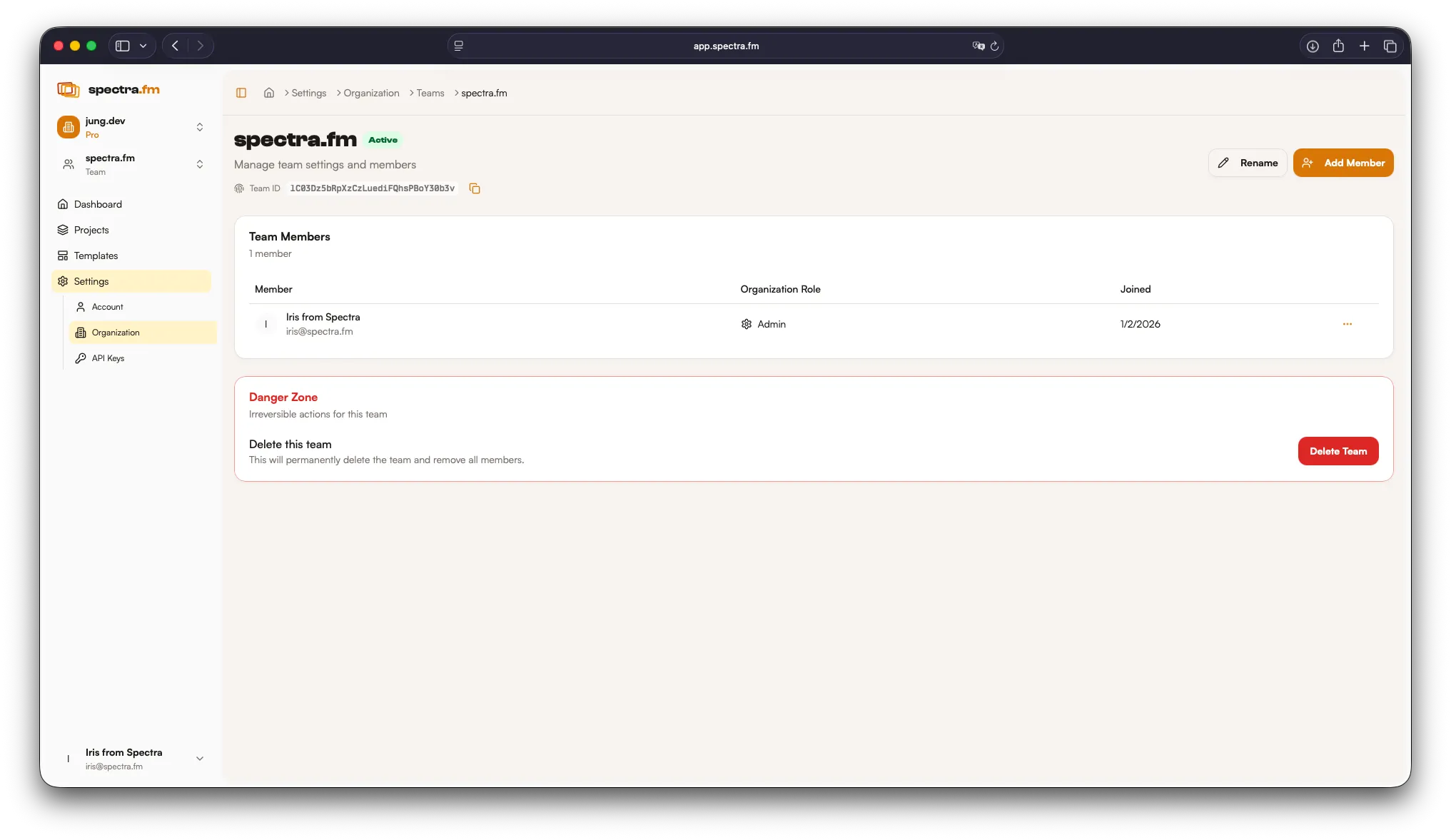
Teams let you collaborate with the right level of access for each person.
Typical roles
Section titled “Typical roles”- Owners manage organization settings and billing
- Admins manage projects and team access
- Editors contribute to templates and exports
- Viewers can review and download outputs